Troubleshooting Oracle Cluster Node Startup Issues After Reboot
Recently, I encountered an issue with one of the nodes in my Oracle cluster.
After a routine reboot, the node failed to properly rejoin the cluster.
Several critical Oracle processes did not start, making the node unusable.
I analyzed the alert logs to find the root cause.
Key Errors from the Alert Log
-
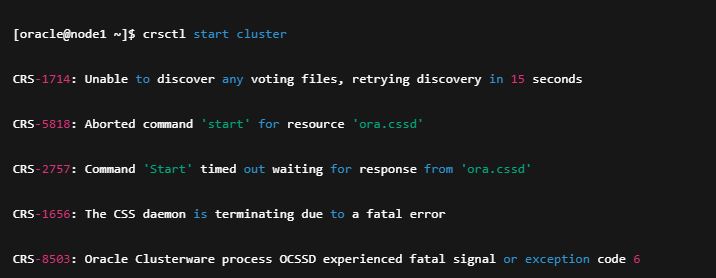
CRS-1714: Unable to discover any voting files, retrying discovery in 15 seconds -
CRS-5818: Aborted command 'start' for resource 'ora.cssd' -
CRS-2757: Command 'Start' timed out waiting for response from 'ora.cssd' -
CRS-1656: The CSS daemon is terminating due to a fatal error -
CRS-8503: Oracle Clusterware process OCSSD experienced fatal signal or exception code 6
The OCSSD process could not find voting files, which caused the node to fail.
How I Solved It
1. Verify Disk Ownership
sudo ls -l /dev/oracleasm/disks/*
Make sure the owner is grid and the group is asmadmin.
2. Force Stop the Cluster Services
crsctl stop crs -f
(Use -f only when the node is isolated.)
3. Configure ASM to Keep Correct Ownership After Reboot
sudo oracleasm configure -i
During the configuration, set:
-
Default user:
grid -
Default group:
asmadmin -
Start on boot:
y -
Scan disks on boot:
y
4. Start Cluster Services
crsctl start cluster -n <your_hostname>
or
crsctl start crs
If you manage ASM separately:
srvctl start asm -n <your_hostname>

Comments
No approved comments yet.